Offline Anti-Ransomware. Stop ransomware before it encrypts your files.
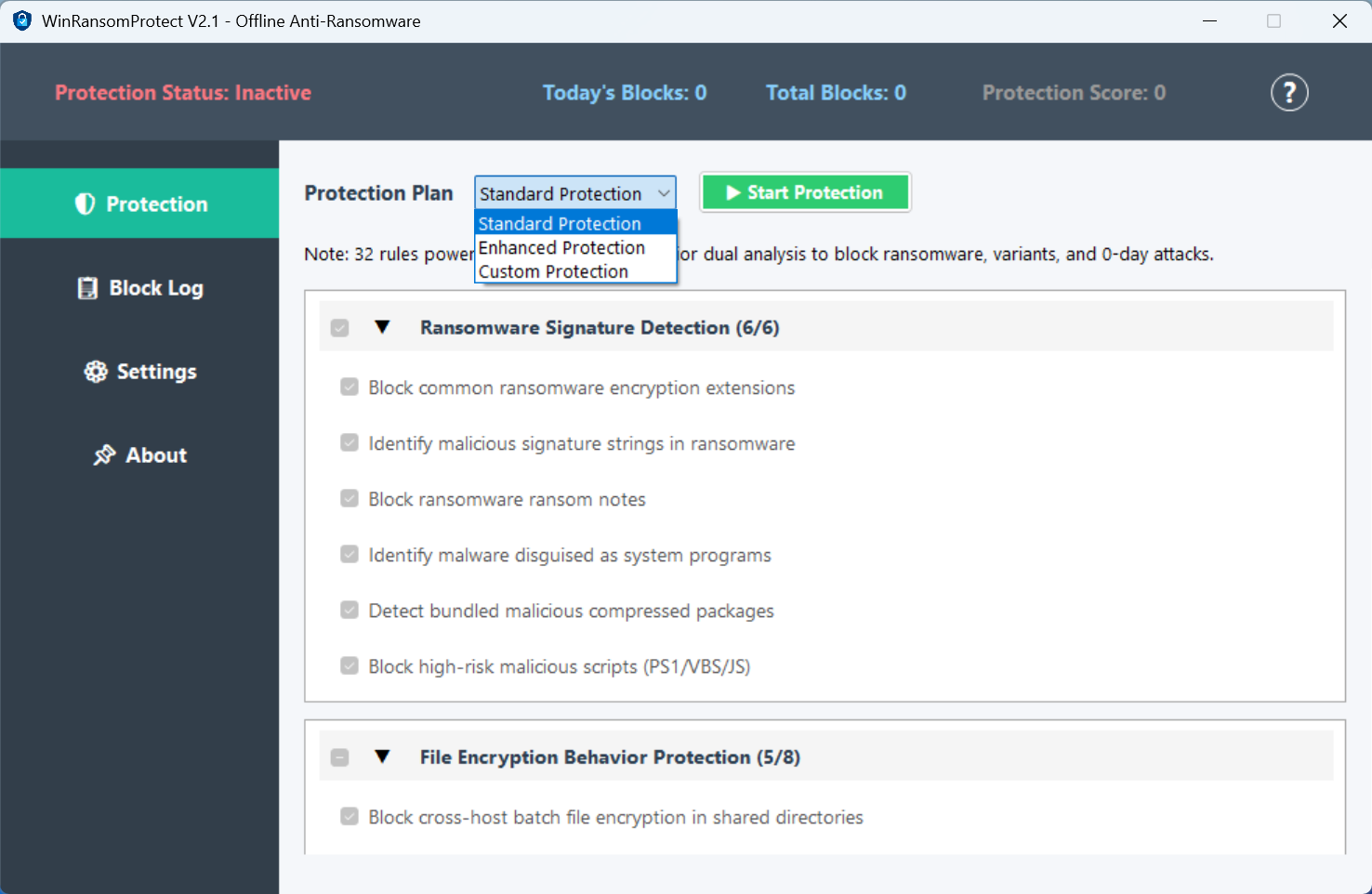
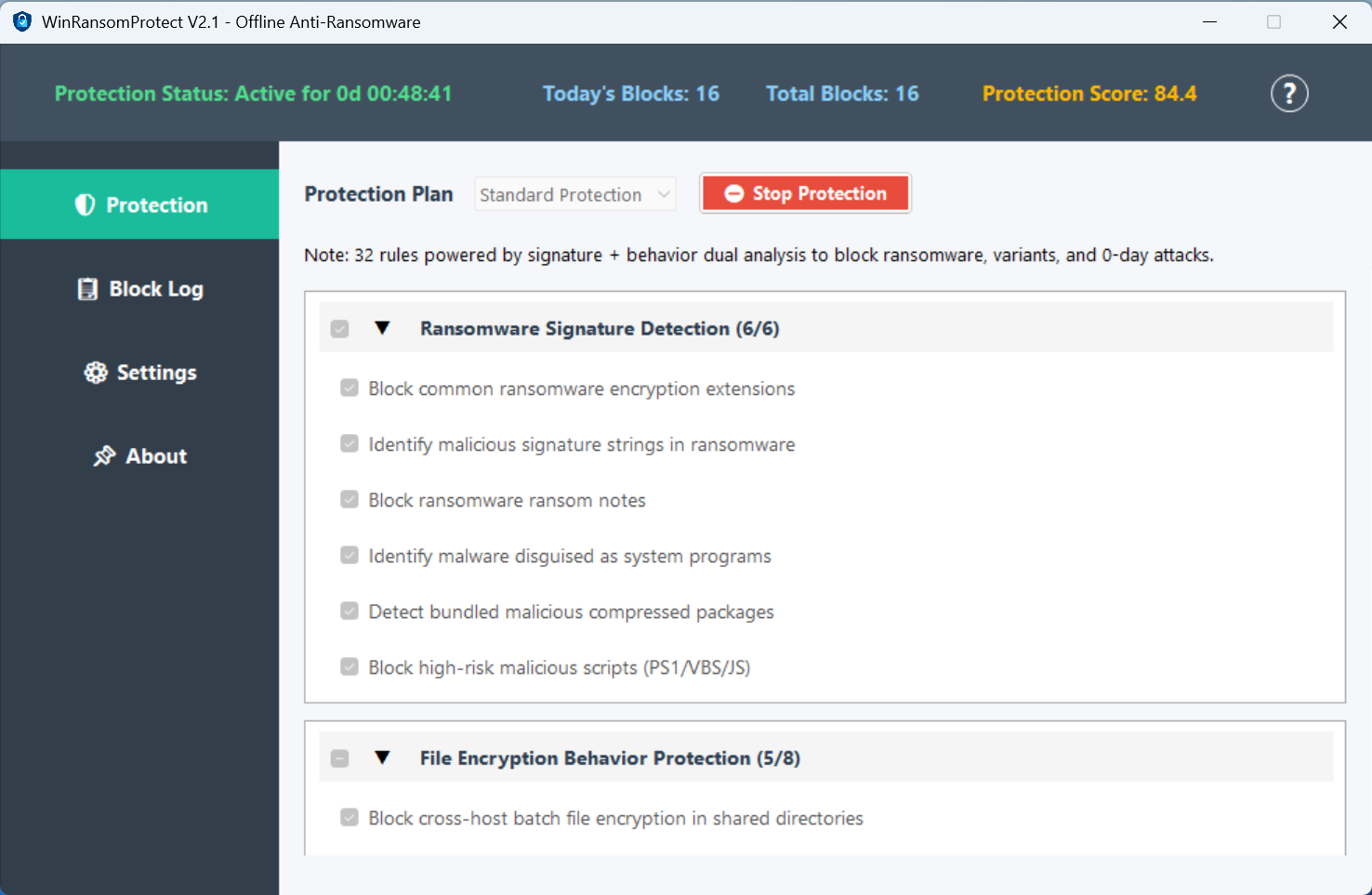
WinRansomProtect watches your files and stops ransomware before it can encrypt them. 32 rules cover the common attack paths — file encryption, malicious scripts, suspicious processes. It runs offline, uses under 5% CPU, and doesn't touch the network.
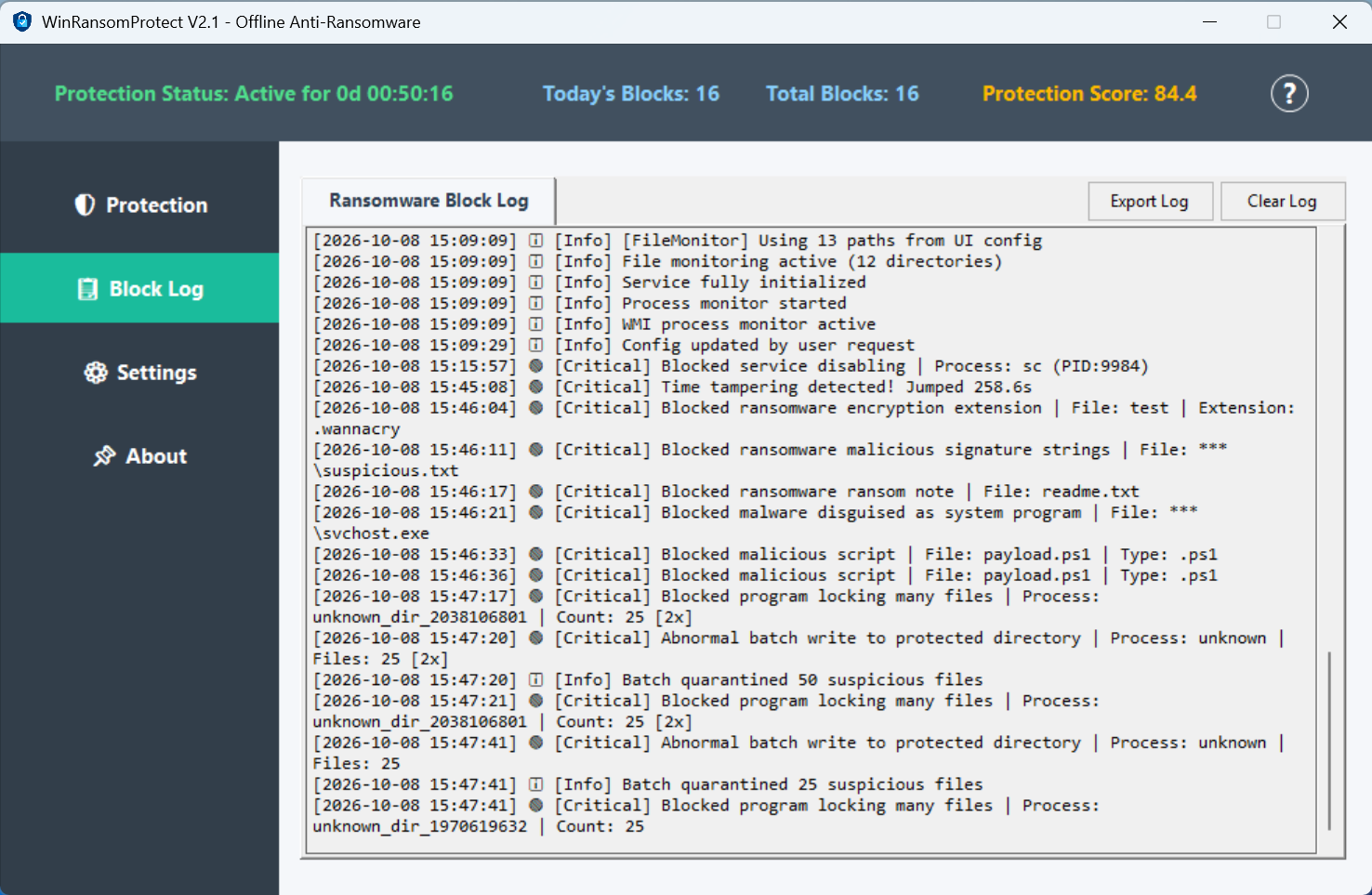
Watches what files actually do, not what they're called. When something starts encrypting your documents, it gets stopped fast.
32 rules cover the common attack paths — encryption, malicious scripts, process abuse. Each rule can be toggled on or off in Custom mode.
Commands like vssadmin delete shadows are caught within 200 milliseconds. Backup deletion never gets a chance to start.
Blocks PowerShell and CMD scripts that try to do things they shouldn't. Also stops code injection into other running processes.
Keeps an eye on Documents, Desktop, and Downloads. Bulk renames or deletes get flagged before too many files are touched.
Activation works offline. Your license is tied to your hardware, so it can't be copied to another PC or shared with a friend.
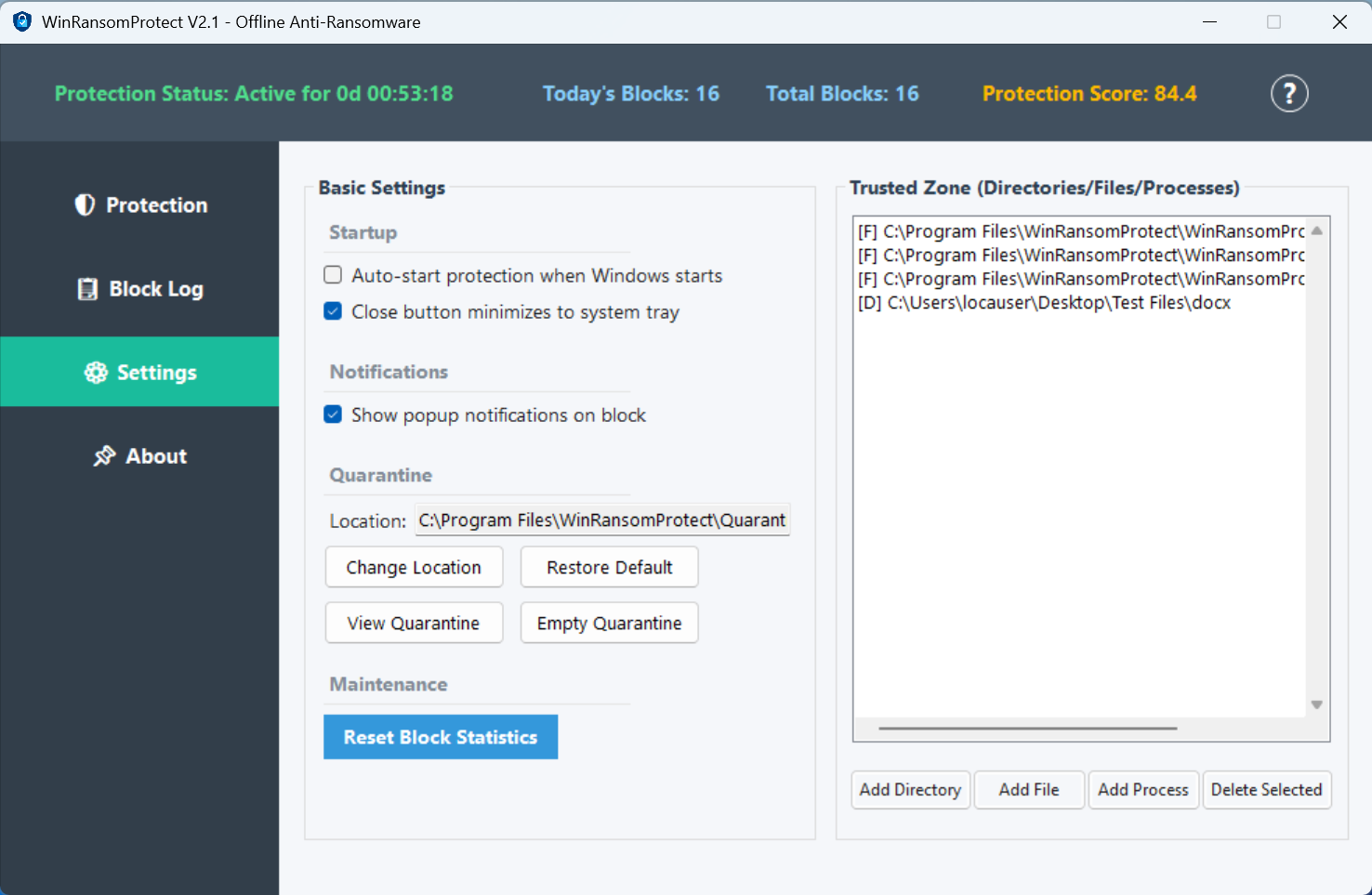
Suspicious files are moved to quarantine and removed from their original location. You can open the quarantine folder from Settings.
No telemetry. No cloud scan. No account. Your files and system details stay on your machine, and update checks are optional.
Runs quietly in the background — under 5% CPU and under 100 MB memory. It won't slow down your work or get in your way.
The 32 Protection Rules cover the main attack paths ransomware uses — file encryption, malicious scripts (PowerShell/CMD), process injection, and lateral movement. Each rule is designed to stop threats before they can encrypt your files.
Yes. Download the 14-day fully functional trial. No credit card required. Upgrade to the full version by entering a license key at any time.
CPU usage is under 5% and memory stays under 100 MB. Whether you're working, gaming, or watching videos, it runs quietly in the background without slowing things down.
Each license key is bound to a single machine. The 3-device option provides three separate license keys, one for each PC. Free migration assistance is available if you change hardware.
30-day money-back guarantee for all first-time purchases. Contact support@nisse-sec.com within 30 days, and we will process your refund promptly.
For 1-year licenses, free upgrades during the license period. For Lifetime licenses, free upgrades for the V2.x series — including new protection rules.
After purchase, you'll receive a Transaction ID from PayPal. Email it along with your Machine Code to support@nisse-sec.com. We will send your license key by email.
Complete guide — setup and protect.
📄 Download User Guide (PDF)